Secrets Vault
Store credentials on a Mac and give local tools a narrow way to use them without pasting values into prompts.
Secrets Vault keeps credentials local while tools use them
API keys and tokens often end up in project files or agent transcripts because a tool needs the value for one operation. Secrets Vault stores them in an encrypted Mac app. A user can authorize a local CLI, script, or coding agent to find a secret by ID or write it into a selected project file without pasting the value into a chat.
Download the signed and notarized app from the Secrets Vault releases page.
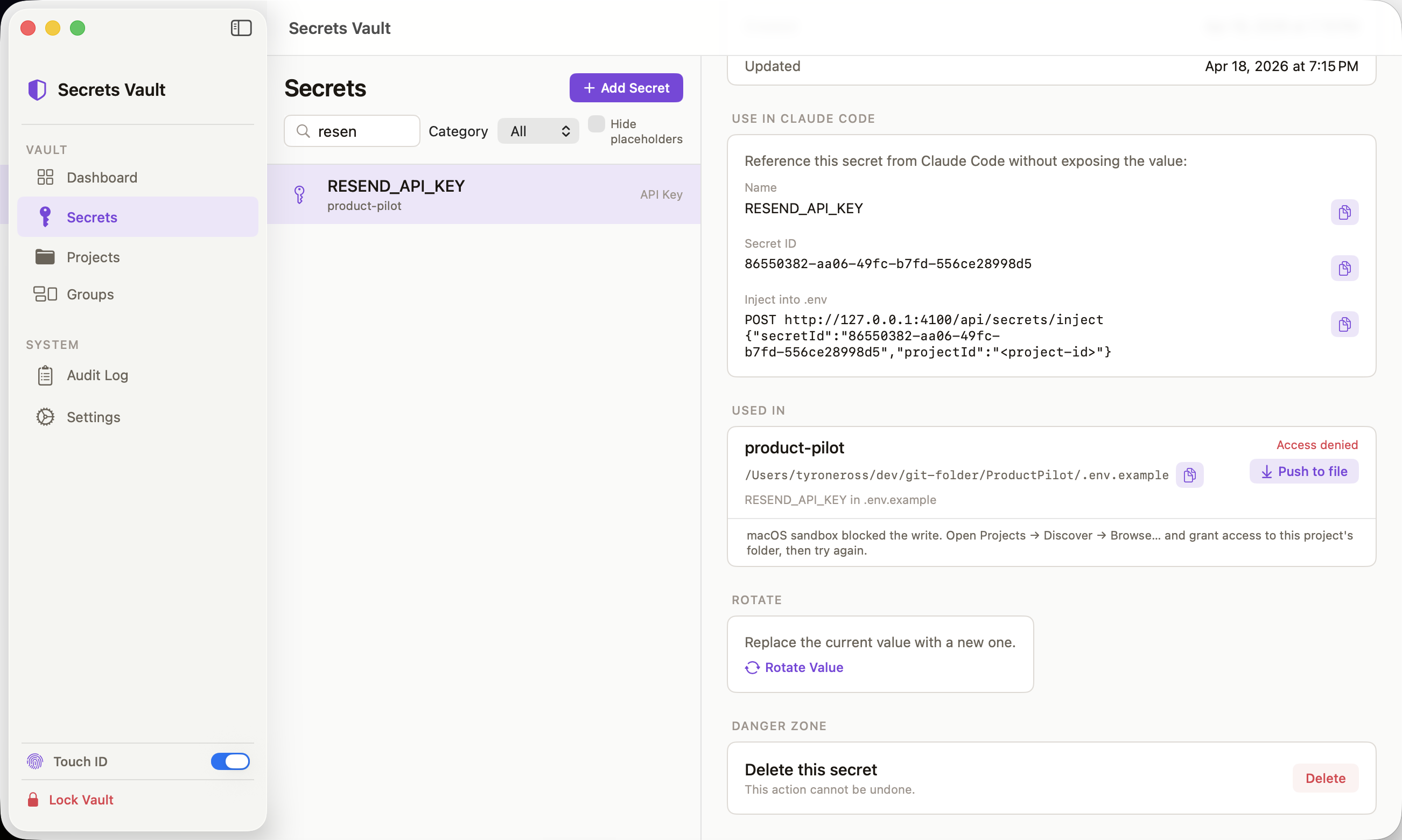
Encryption and authorization sit inside the Mac app
CryptoKit encrypts values with AES-256-GCM before SQLite stores them. Unlock derives the encryption key from the vault password; the key stays in memory and is cleared when the vault locks. Touch ID can provide an additional unlock path. A bearer session authorizes local API requests, and every value access enters an audit log without recording the value there.
The app exposes its API on loopback. It has no hosted account, sync service, or outbound network access. The user keeps the vault on the Mac where the tools run.
Agents can inject a value without reading it
The CLI, SDK, and MCP integration share the local API. A metadata request returns a secret’s identity and status. For a file-based workflow, an inject request writes the value to a validated path inside the chosen project; the response confirms the operation without returning the value. Direct value access remains a separate authorized API operation, so callers must choose the narrower route when they do not need to read the secret.
A headless service exposes the same API for CI and password-only automation. VaultKeychainKit lets a Swift app opt in to routing its Keychain calls through the vault.
Transcript auditing finds values that already escaped
Secrets Vault can scan local coding-agent transcripts for likely credentials. The default audit stores metadata, a short preview, and a hash rather than a second copy of the value. A rotation reminder helps the user act on a confirmed leak. The scan reads the transcript files locally and leaves them in place.