Atomize Factory
For funNine ways to explore how Atomize answers a question
Atomize is a news app that answers questions from the articles it collects. Each view below runs sample data through part of that process: start with a guided lab, run the Factory Floor, or try an experimental draft.
Start with a guided lab
Interactive examplesNew to embeddings, retrieval, or RAG? Begin here. These focused workspaces use browser-computed examples; Night Shift simulates operations rather than retrieval.
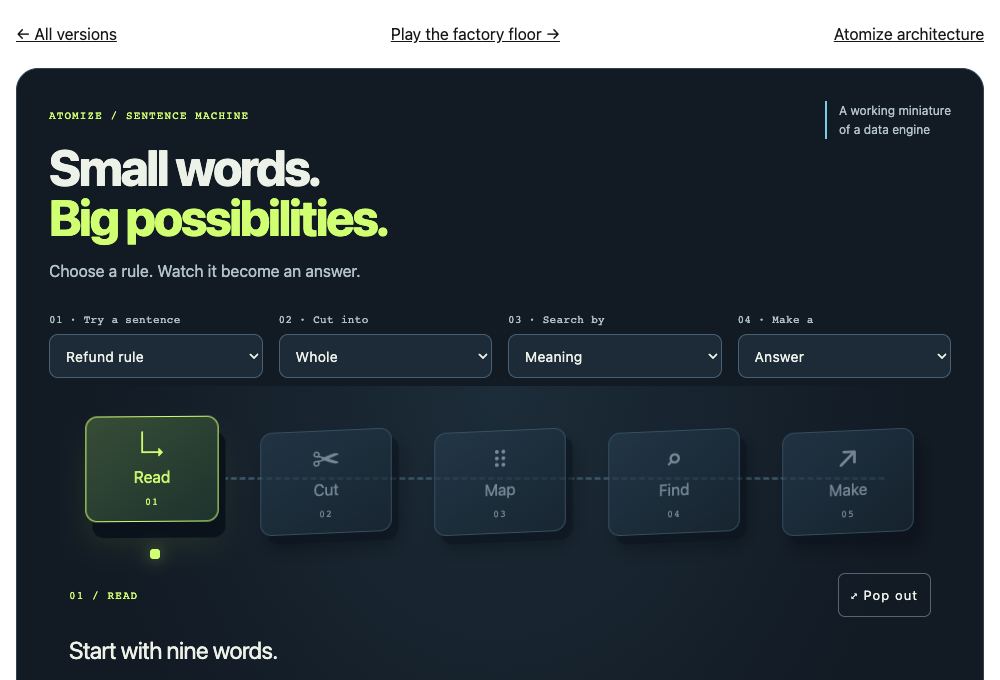
Sentence Machine
Follow one sentence through chunking, embeddings, retrieval, and a grounded output.
Best forLearning how the pieces of a RAG pipeline connect.
What’s differentA guided starting point with one small example, plain-language controls, and fewer decisions on screen.
Choose Sentence Machine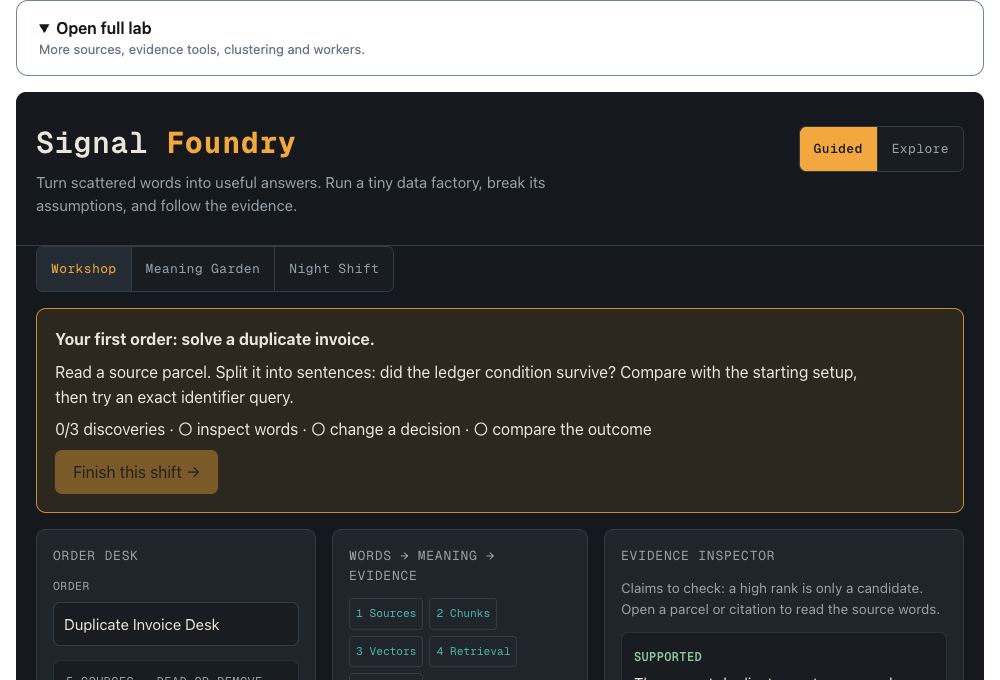
Evidence Workshop
Compare retrieval choices and inspect the source quotes behind an answer.
Best forTesting which evidence actually supports an answer.
What’s differentA workbench for examining evidence and comparing settings rather than running a factory line.
Choose Evidence Workshop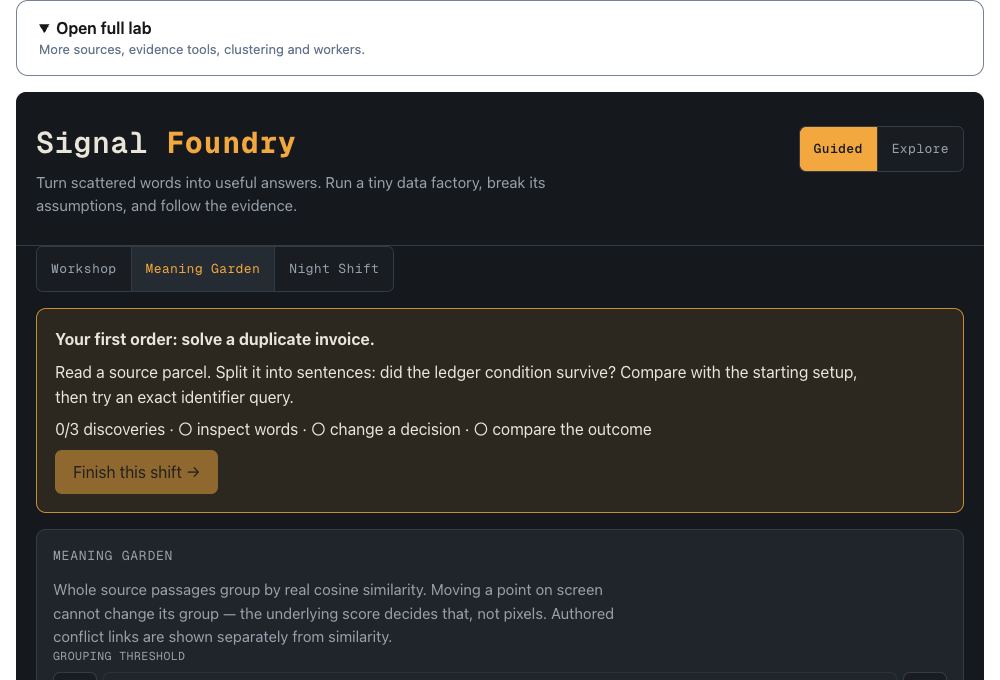
Meaning Garden
Explore how source passages group by similarity and where authored conflict links connect them.
Best forSeeing why related passages gather together.
What’s differentChange the grouping threshold to see clusters change. Screen positions illustrate the groups; scores decide membership.
Choose Meaning Garden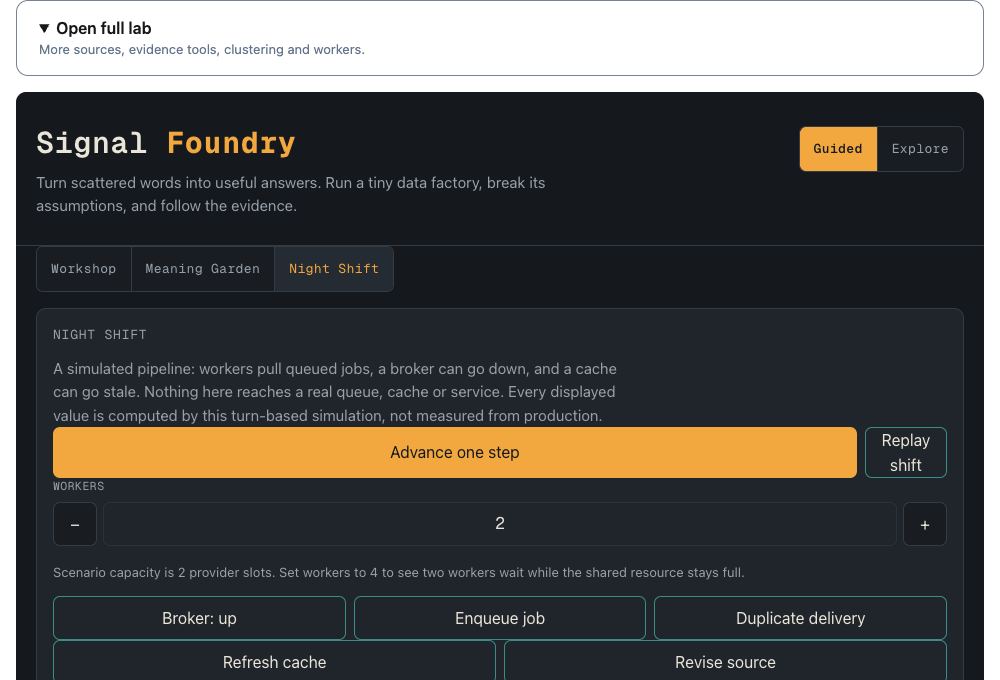
Night Shift
Run a simulated shift with queued jobs, workers, broker interruptions, and stale caches.
Best forExploring operational failure and recovery.
What’s differentFocus on operational delays and recovery. Its turn-based results are simulated, not measurements of a real service.
Choose Night ShiftFull controls
Browser-computedFactory Floor and Precision Cell share one running simulation. Match scores recompute in your browser from frozen examples.
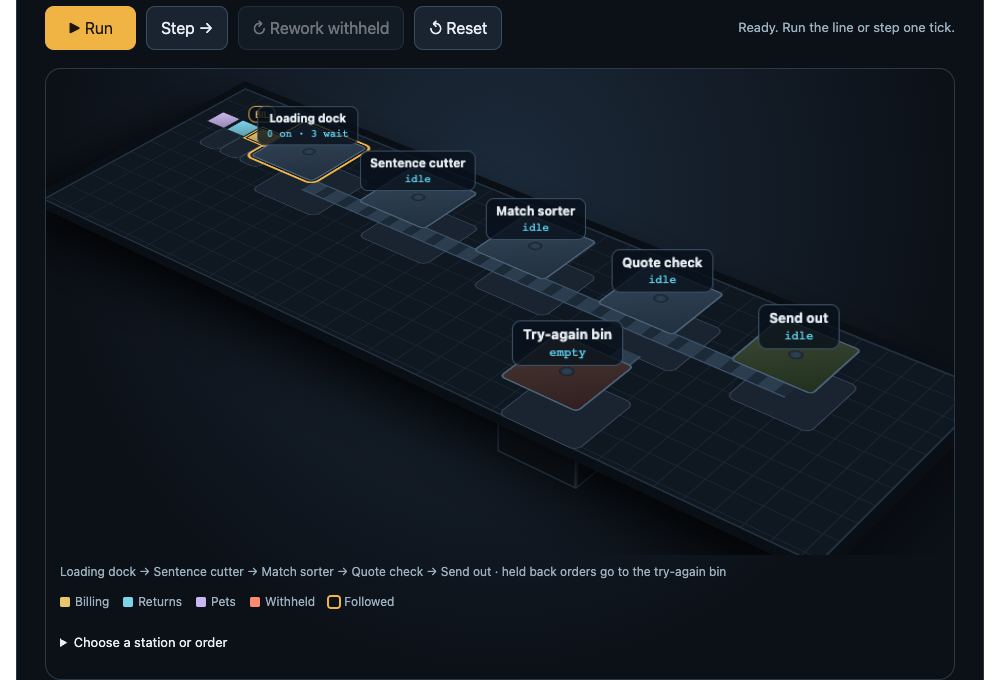
Factory Floor
Run three sample questions through a miniature of Atomize’s pipeline. Change the recipe, add workers, and fix answers the line holds back.
Best forSeeing how one decision changes the entire line.
What’s differentSee the whole line at once: orders, station queues, and outputs move across a raised factory floor.
Choose Factory Floor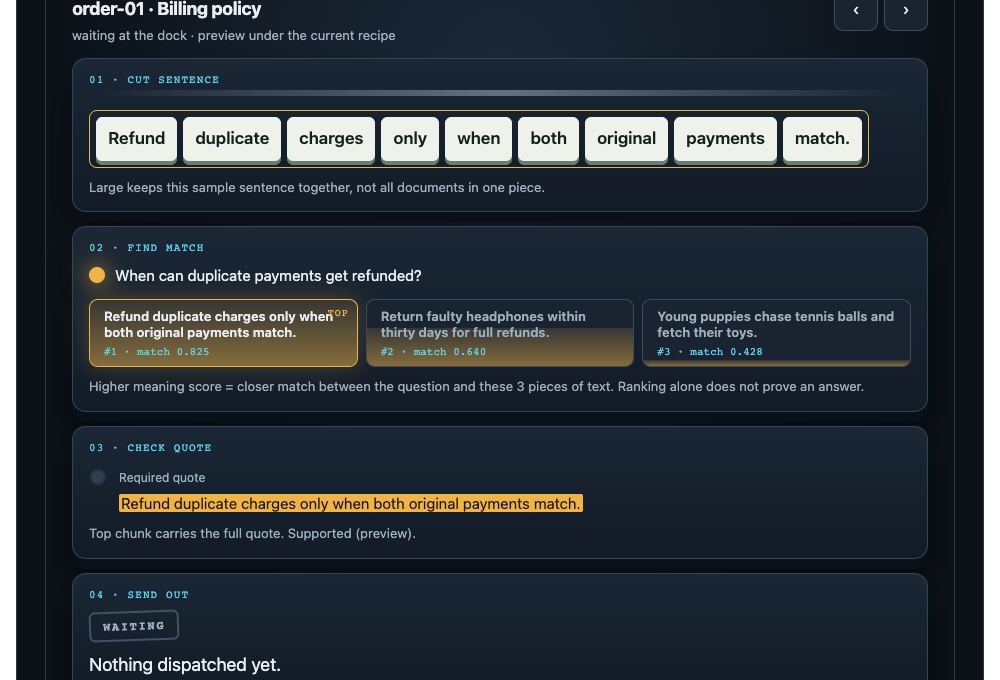
Precision Cell
Follow one order from its source sentence to its answer or search result.
Best forInspecting every decision behind one result.
What’s differentGet a close-up of the cuts, ranked text, and the source check (a teaching rule). Switch to the Floor without losing your run.
Choose Precision CellExperimental
Recorded examplesInteractive prototypes built around recorded sample results. They explore different interfaces and do not run the Factory Floor simulation.
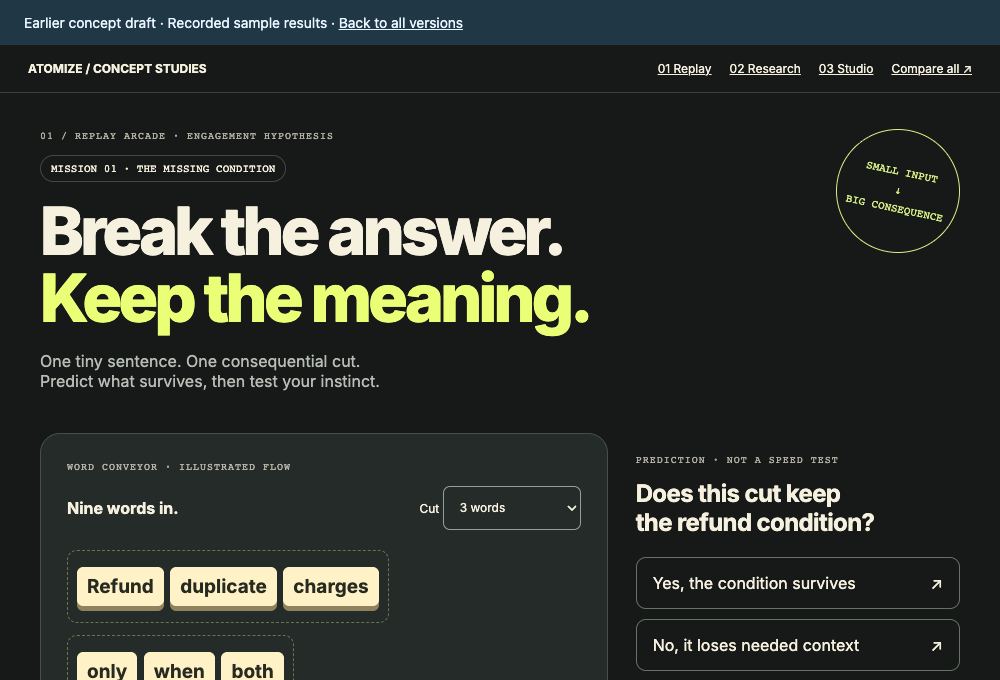
Replay Arcade
Try a challenge, change a decision, and replay its recorded consequence.
Best forLearning by changing one decision at a time.
What’s differentA challenge-and-replay format that puts the decision before the explanation.
Choose Replay Arcade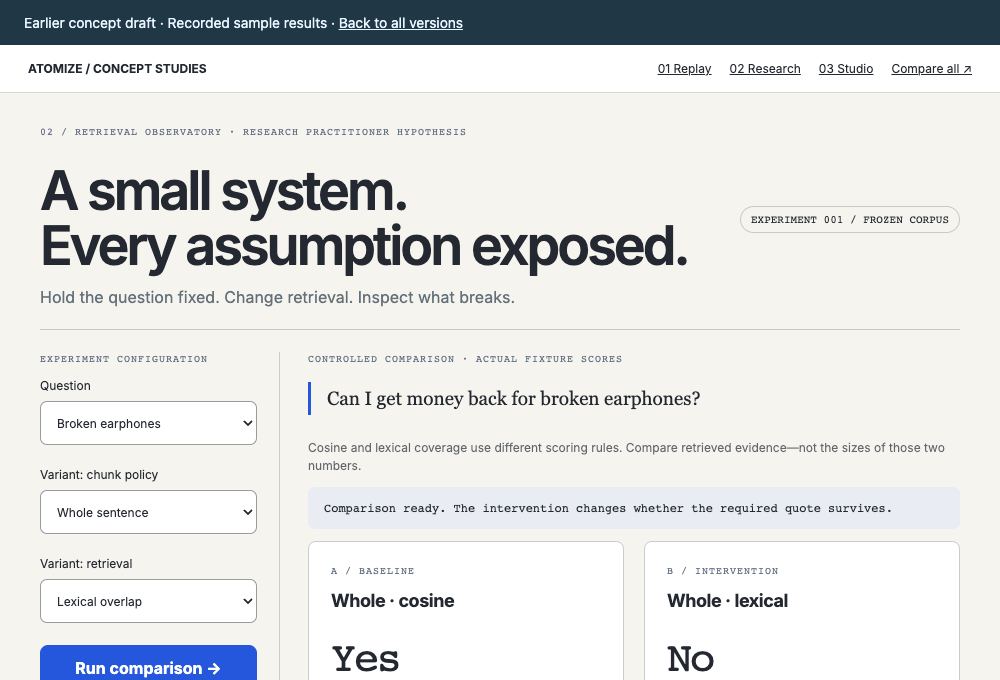
Retrieval Observatory
Examine recorded rankings, evidence, and competing retrieval approaches.
Best forComparing retrieval approaches side by side.
What’s differentA research-bench perspective that puts score and evidence comparisons together.
Choose Retrieval Observatory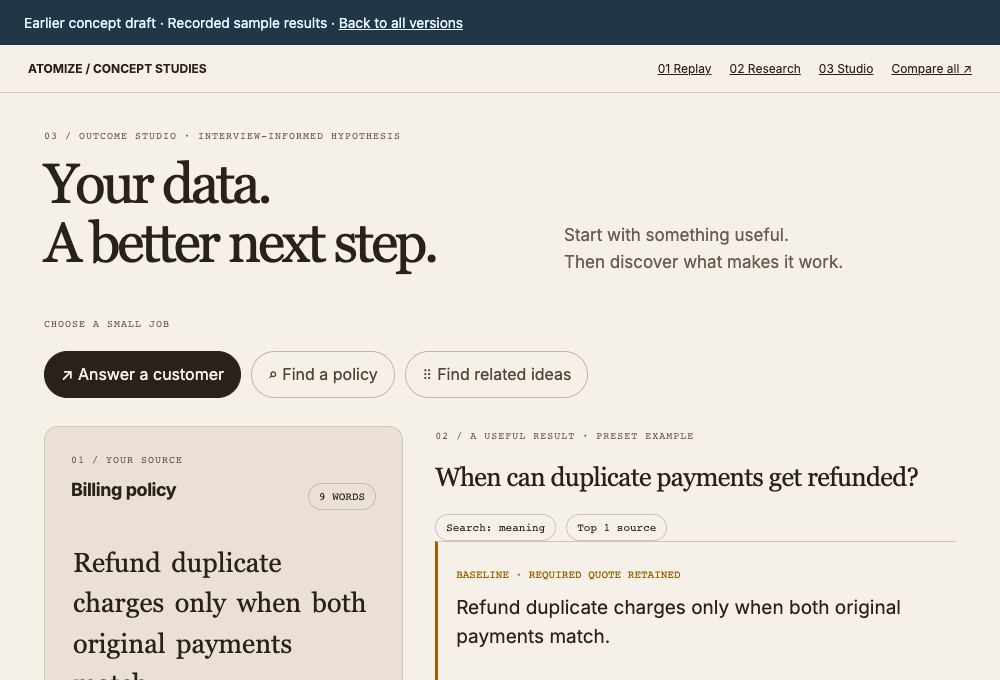
Outcome Studio
Start with an output, then explore recorded examples of how cutting choices affect its support.
Best forTracing an answer backward to its evidence.
What’s differentAn answer-first perspective that works backward from the result to the source evidence.
Choose Outcome Studio